
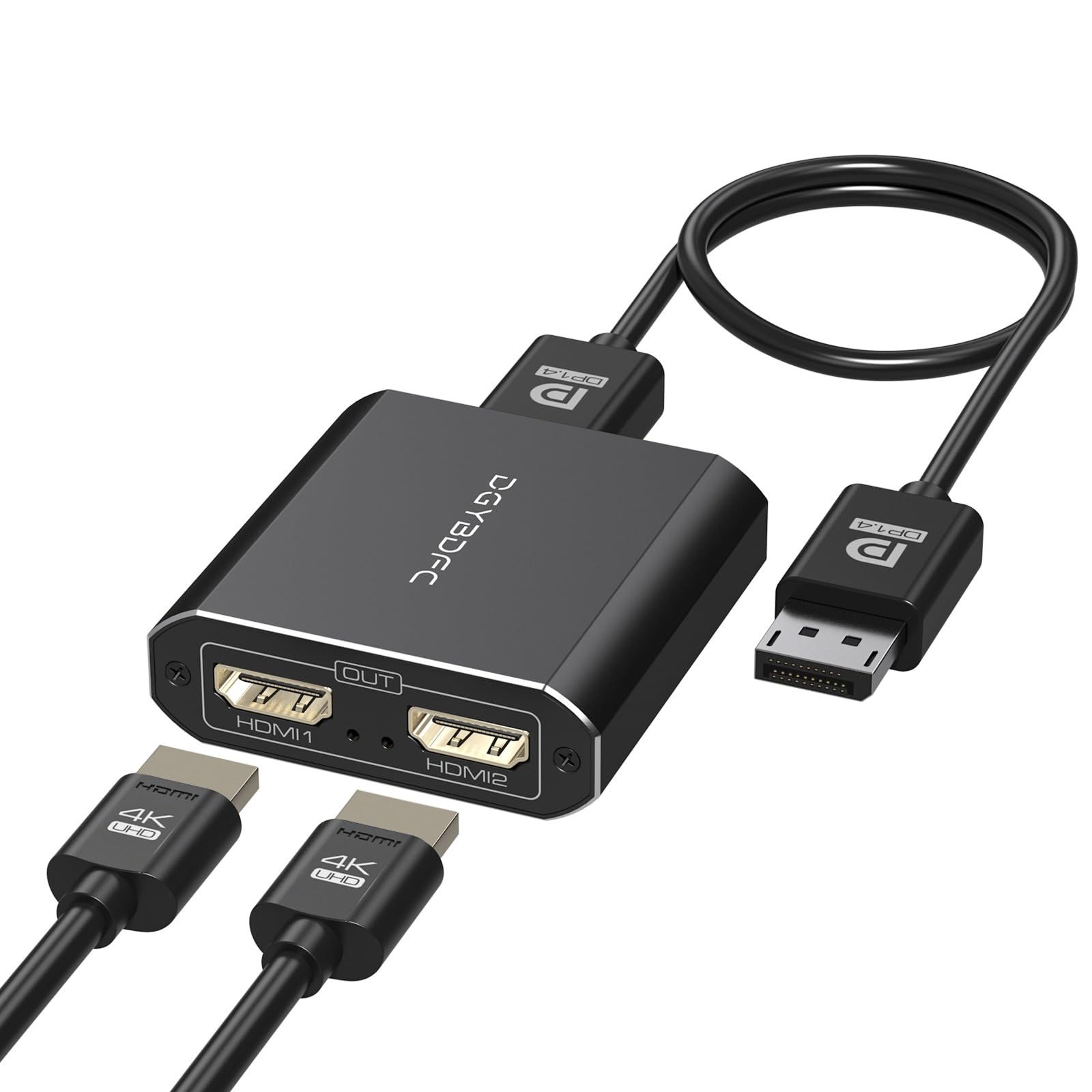

4K60Hz Displayport to Dual HDMI Adapter for PC Laptop Graphics Card DP 1.4 to 2 HDMI 2.0 Monitors Extension Display Displayport to HDMI Splitter 1 In 2 Out Hub MST Extend Mode for Windows Only

Product Features
- DisplayPort to Dual HDMI AdapterDisplayPort to Dual HDMI Splitter can output one DP signal to 2 HDMI displays at the same time, which can support the use of Expanded Mode and Mirroring Mode(AAA/ABB/ABC) to fulfill your need for more screen displays (can only unidirectionally transmit from one DP signal source to two HDMI displays). Mac OS only supports SST mode (AAA/ABB), it is not recommended to connect any docking station or hub (most docking stations and hubs do not support MST function)
- 4K60Hz Ultra HD Visual FeastThe DisplayPort to HDMI Splitter 1 in 2 out extended display complies with the HDMI 2.0 standard, and both HDMI displays are capable of resolutions up to 4K@60Hz, for vivid images with even more amazing picture color and contrast. To transmit 4K60Hz video signals, please make sure all your devices and cables support 4K60Hz. Note: Some computers need to manually set the display settings interface to 4K60Hz resolution and set it to extended or mirrored mode
- Mirror & Extended DispalySupports two display modes, for DP 1.2/1.4 desktop/notebook/graphics card (Windows OS supports MST), two monitors can be set to extended or mirrored display, the monitors can display the same image or different images; for Mac OS, due to its own limitations can only support the mirror mode, the monitors can only display the same image
- Easy to UseDisplayport to HDMI Splitter is plug and play, no driver installation required, easy dual monitor setup. The computer itself must have a DP port, the computer is directly linked to the DP IN port of the DP to Dual HDMI Adapter, does not support any docking station/converter head/conversion cable, etc.. A USB C cable must be connected to power the device for proper operation
4K60Hz DP to Dual HDMI Adapter, 1 In 2 Out Hub, 4K60Hz, for PC, Windows
$190.00Price


